Food and water, together.
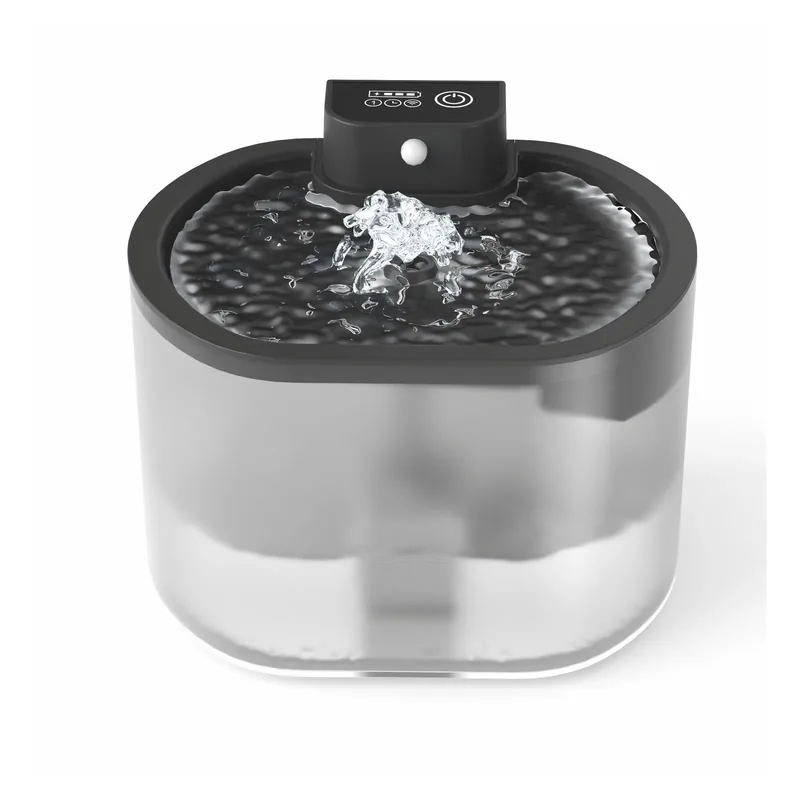
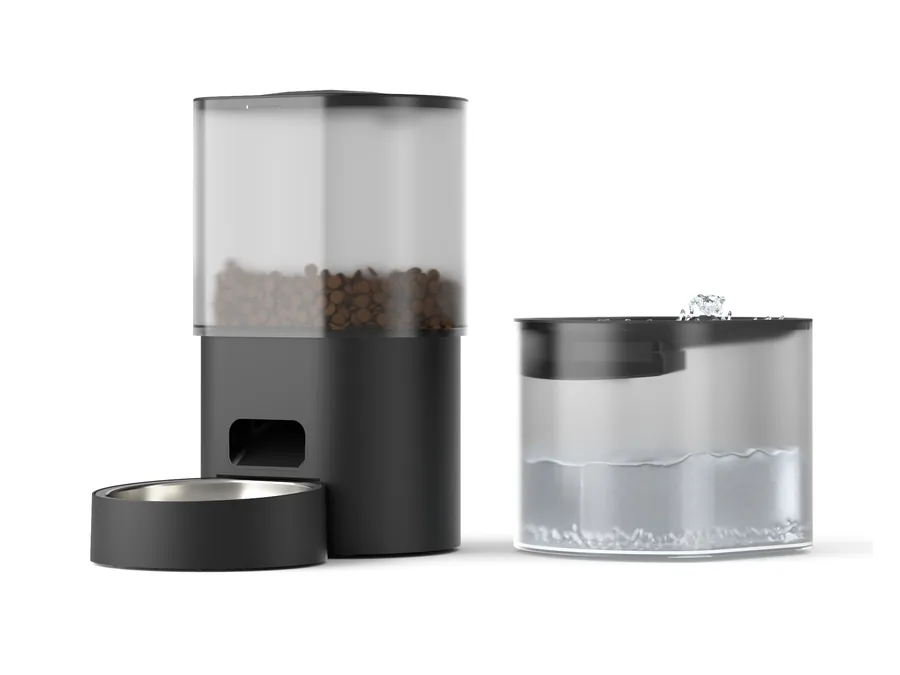
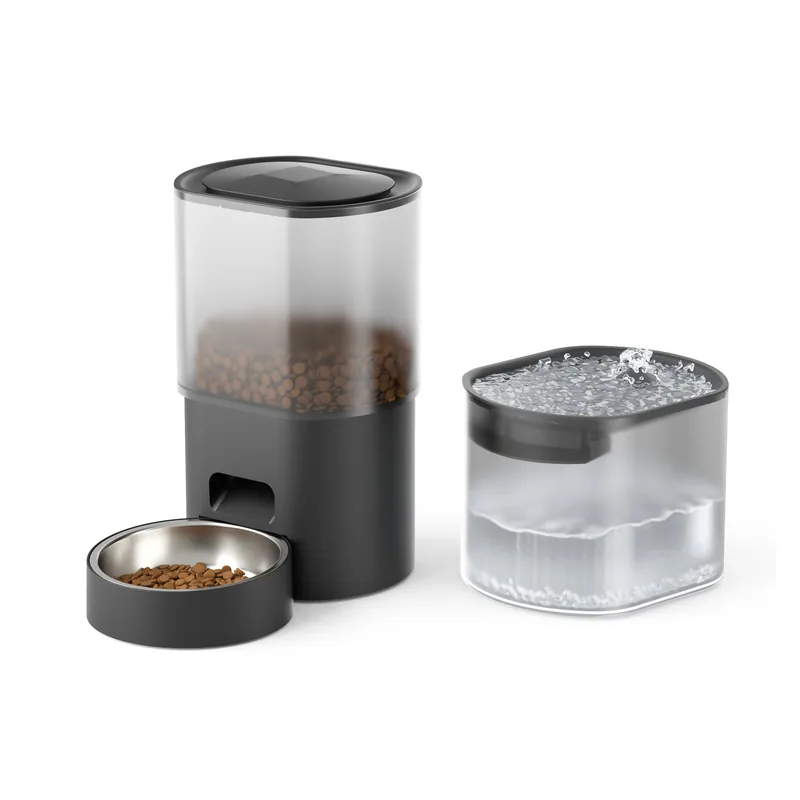
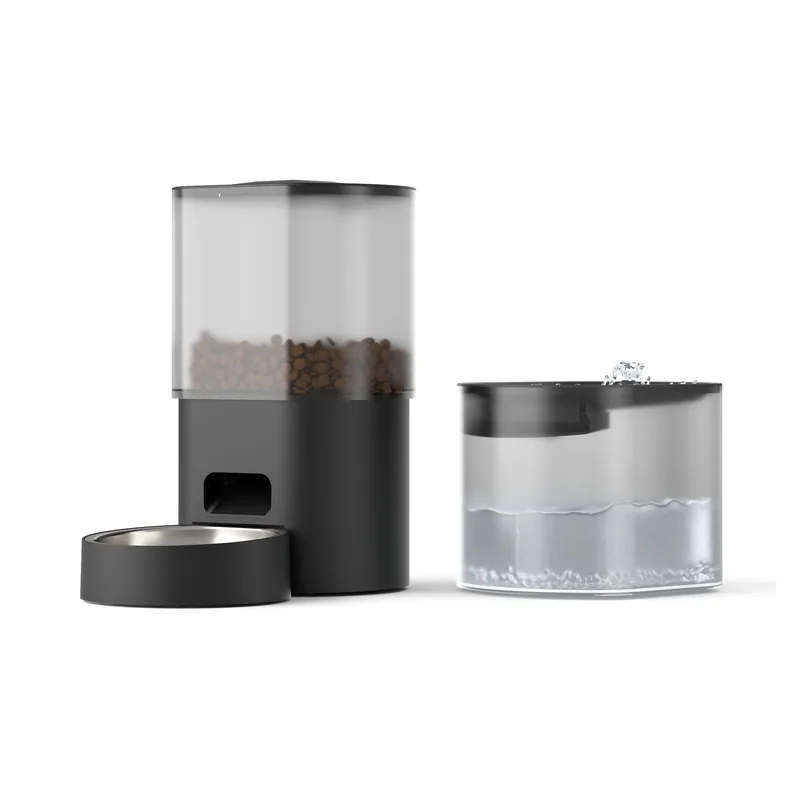
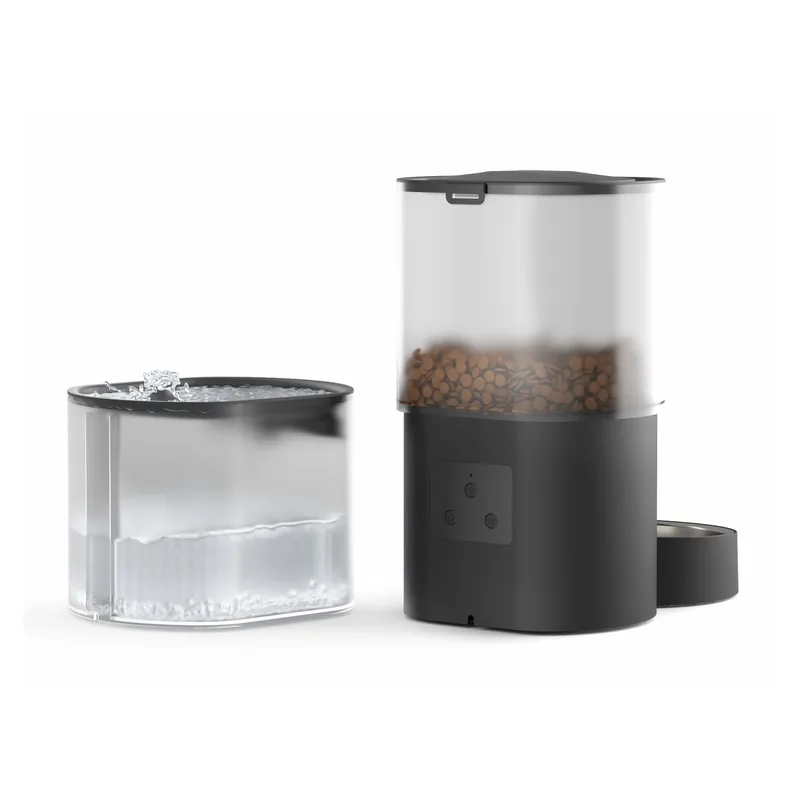
A 3 L feeder and a 2.5 L fountain bring food and water together in one place.

Food & water
Food and water. Together.
A 3 L automatic feeder and 2.5 L circulating fountain. Connect with a 2.4 GHz Wi-Fi app to set meal schedules.
Purchases in Japan are completed on Amazon.co.jp. A US Amazon.com listing is being confirmed, so no Amazon.com link is shown until the official page is verified.
PRODUCT GALLERY4 images
Swipe sideways or choose a thumbnail.
FURRONIC · EVERYDAY DETAILS
From its form to its functions, explore the details that fit your routine.
A 3 L feeder and a 2.5 L fountain bring food and water together in one place.
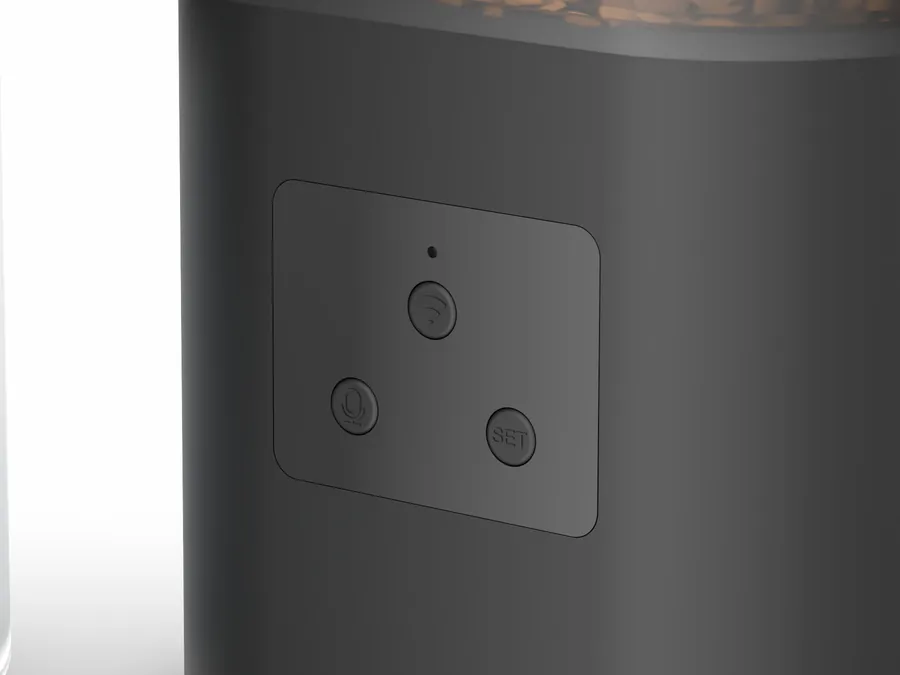
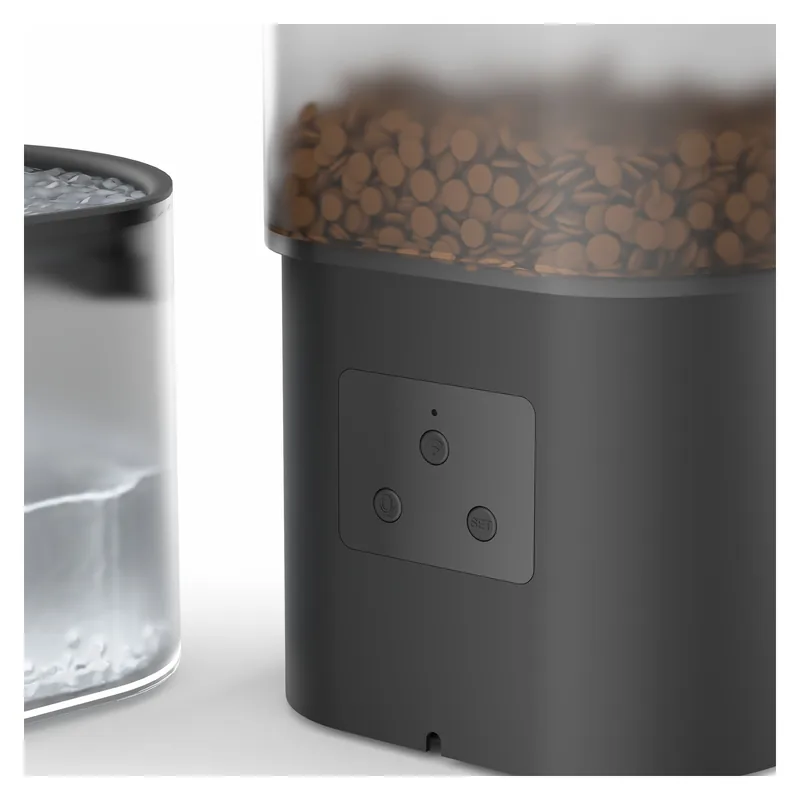
Connect to Smart Life over 2.4 GHz Wi-Fi to set feeding schedules.
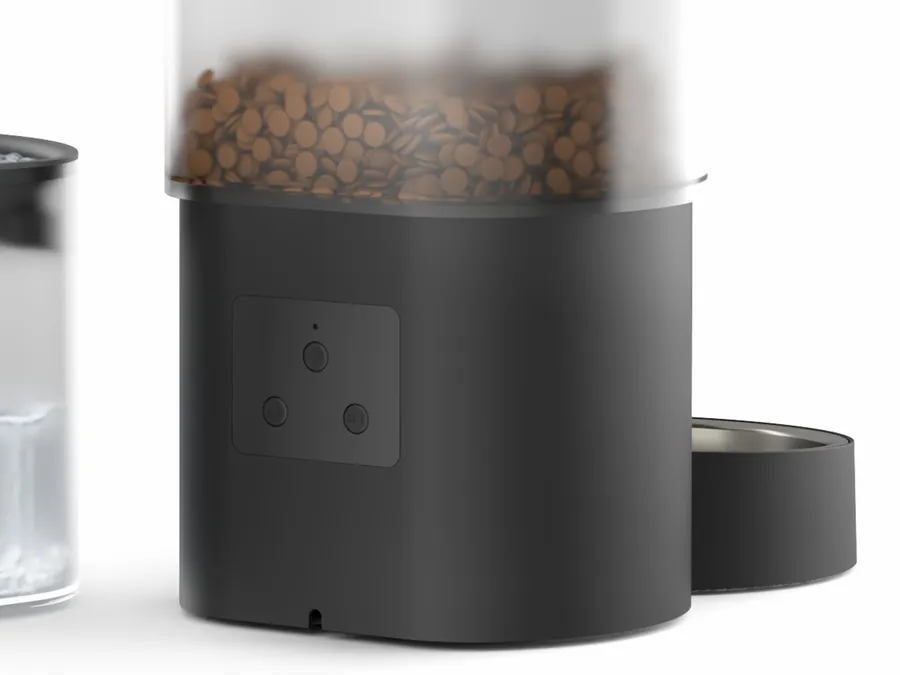
The feeder supports adapter and battery power; Wi-Fi stops in battery mode.
SMART LIFE · APP
The PC-STONE feeder works with Smart Life, the app named in the manual. Manage feeding plans and review feeding records from your phone.
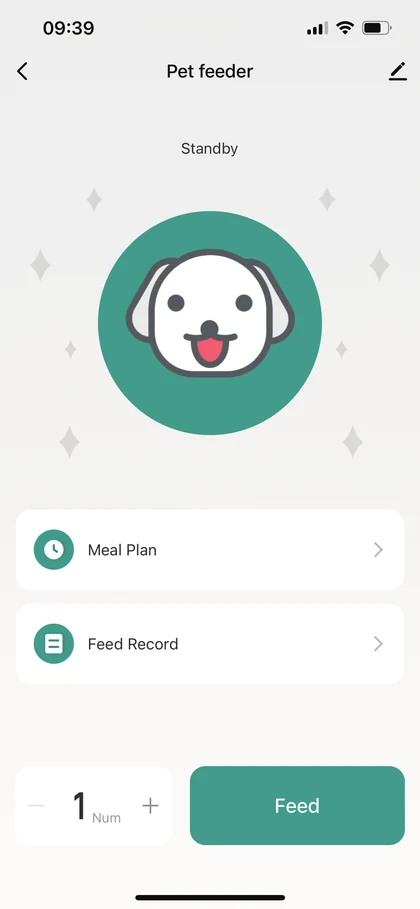
Set feeding days, times, and portions in the app, with a repeating feeding schedule.
Connect the feeder to home Wi-Fi for remote control, including on-demand feeding with the app’s manual feed button.
Check feeding history in the app’s feeding records screen.
The manual describes app alerts for food blockage, low food, and motor faults.
Download the app (iOS / Android)
SmartLife - Smart Living / Volcano Technology Limited. Check each store for OS requirements, regional availability, and the app’s privacy policy.
Feature sources: PCStone1 Wi-Fi manual, pages 3–6, and the official Amazon.co.jp listing.
Review the specifications and instructions to see if it fits your home.
| Model | PC-STONE |
|---|---|
| Food tank | 3 L |
| Water tank | 2.5 L |
| Wi-Fi | 2.4 GHz only; not 5 GHz |
| Food | Dry food, 5–12 mm kibble |
| Feeder power | Adapter or battery power |
| Water filter | Multi-layer filter |
Information is based on this product’s Amazon.co.jp listing. Read the included manual before use. ASIN: B0GGZDC2WL U.S. voltage, plug, and similar electrical details are omitted until an official Amazon.com page is verified.
It supports the 2.4 GHz band only, not 5 GHz.
It is designed for dry kibble measuring 5–12 mm, not wet food.
Automatic feeding supports daily care; it does not replace it. Regularly check food, water, power, operation, and your pet.
The manual names Smart Life. It provides feeding schedules, manual feeding, and feeding records. Follow the included manual for setup.
Wi-Fi stops in battery mode; the feeder only runs its preset feeding schedule. Connect the feeder to USB power when using app control.